Cinematic Multi-Shot Stories
Turn one idea into a connected sequence of shots instead of a single isolated clip. Develop an opening, progression, and payoff while keeping the visual language cohesive.
Try it NowCreate cinematic, multi-shot AI video with Kling 3.0. Use prompts and reference frames to shape motion, camera direction, pacing, and visual continuity inside Spira.
Model family
Use full multi-shot generation or transfer motion from a reference clip.
Build cinematic, multi-shot video with controlled movement, strong continuity, and reference-led creative direction.
Turn one idea into a connected sequence of shots instead of a single isolated clip. Develop an opening, progression, and payoff while keeping the visual language cohesive.
Try it NowDefine where the scene begins and where it needs to land. Kling uses your boundary frames to shape the motion, transition, and composition between both moments.
Try it NowDescribe pans, tracking shots, reveals, and changes in perspective in plain language. Give every scene a more intentional sense of scale, energy, and rhythm.
Try it NowUse visual references to help characters, products, and environments stay recognizable as the action changes. Build sequences that feel like parts of the same story.
Try it NowThree steps to a cinematic multi-shot AI video.
Step 01
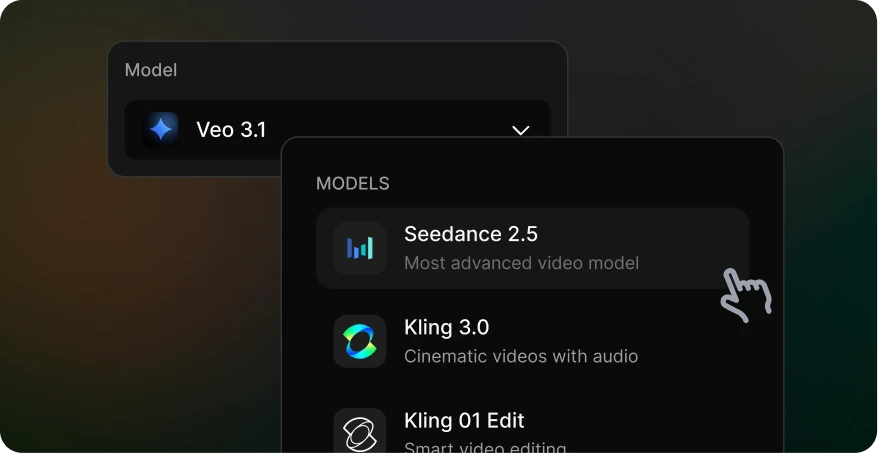
Open Spira’s video generator and select Kling 3.0. Start with a clear concept for the subject, setting, and sequence you want to direct.
Step 02
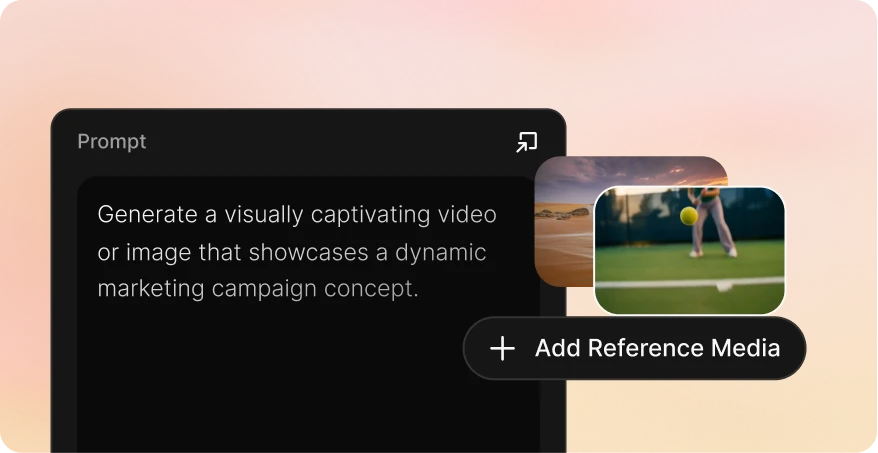
Add start and optional end frames, then describe each story beat, camera move, transition, lighting choice, and detail that must stay consistent.
Step 03
Generate the sequence, review shot continuity and subject consistency, adjust the direction, then export the approved video for publishing.
| Pricing | |||||
| Starting price | From $12/month | Pay as you go | From $110/month | From $19/month | From $18/seat/month |
| GPT Image 2 | $0.03 | Not supported | $0.55 | $0.35 | $0.2635 |
| Nano banana image | $0.01 | $0.04 | $0.55 | $0.1 | $0.047 |
| Seedance2.0 Video, 720P | $0.07/s | $0.30/s | $0.66/s | $0.59/s | $0.21/s |
| Veo3.1, 720p | $0.06/s | $0.20/s | $1.37/s | $0.07/s | $0.48/s |
| Gemini Omni 1.1 Flash, 720 P | $0.06/s | Not supported | Not supported | Not supported | Not supported |
| Kling 3.0 | $0.06/s | $0.084/s | $0.8/s | $0.086/s | $0.105/s |
Kling 3.0 is suited to cinematic AI video, multi-shot concepts, camera-led storytelling, product scenes, and social creative where motion and visual continuity matter.
Yes. In Spira you can provide a start frame and an optional end frame, then describe how the subject, environment, and camera should move between them.
Write the prompt like concise shot direction: identify the subject, action, setting, camera movement, lens or framing, lighting, and pace. For multi-shot ideas, describe the order of the beats and what should remain consistent.
Use a clear reference image, avoid conflicting descriptions, and repeat the defining visual details that must not change. Generate and review short variations before expanding an approved direction into a longer sequence.
The final cost depends on the video duration, resolution, and selected generation settings. The comparison table provides a platform benchmark; Spira shows the applicable generation cost before you submit the job.